If your phone cannot find Slumber 2, or the BT light does not flash red and blue, follow these steps.
Find Your Remote
Match the buttons below to your remote, then follow the steps.
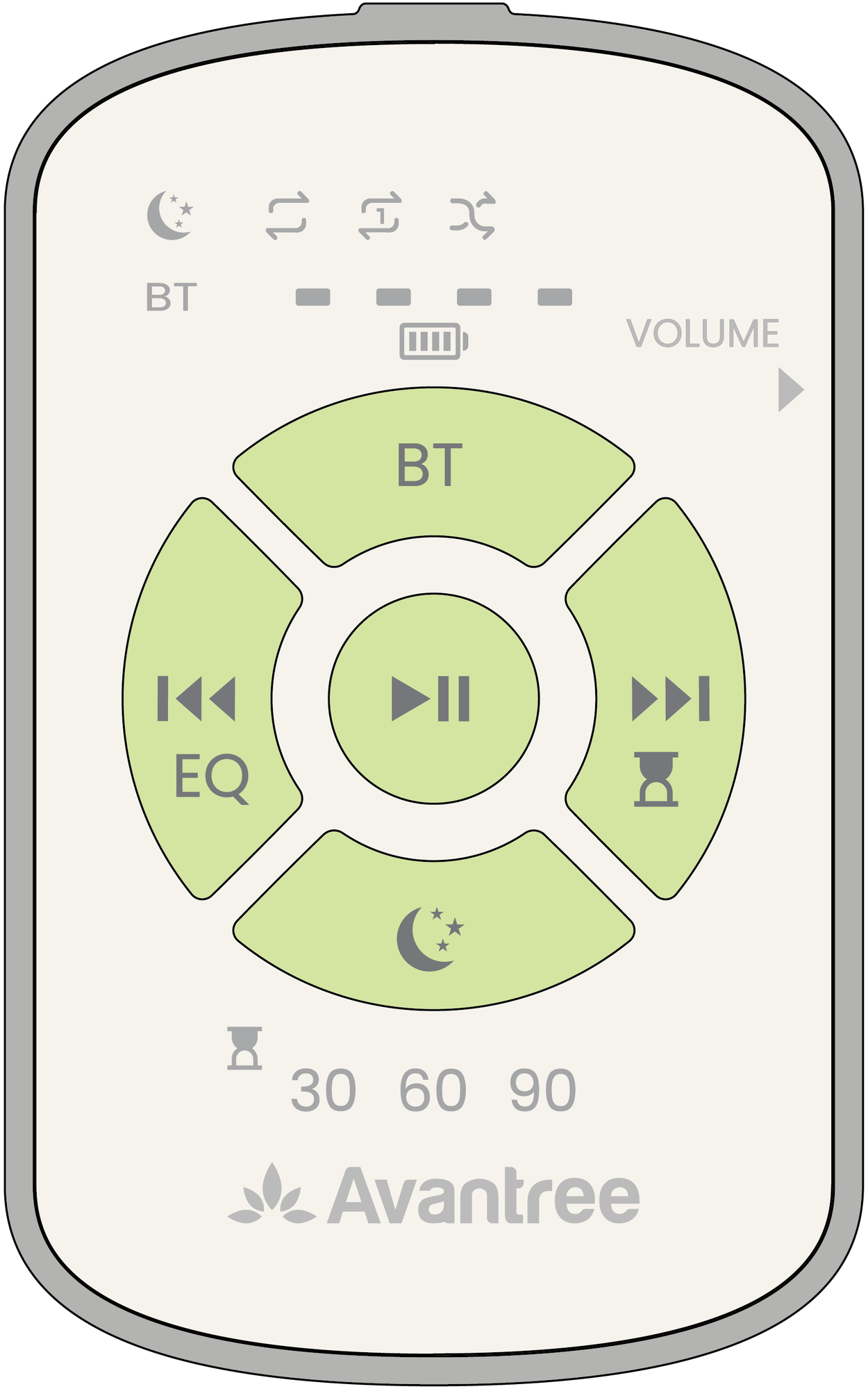 Version A
Separate BT button |
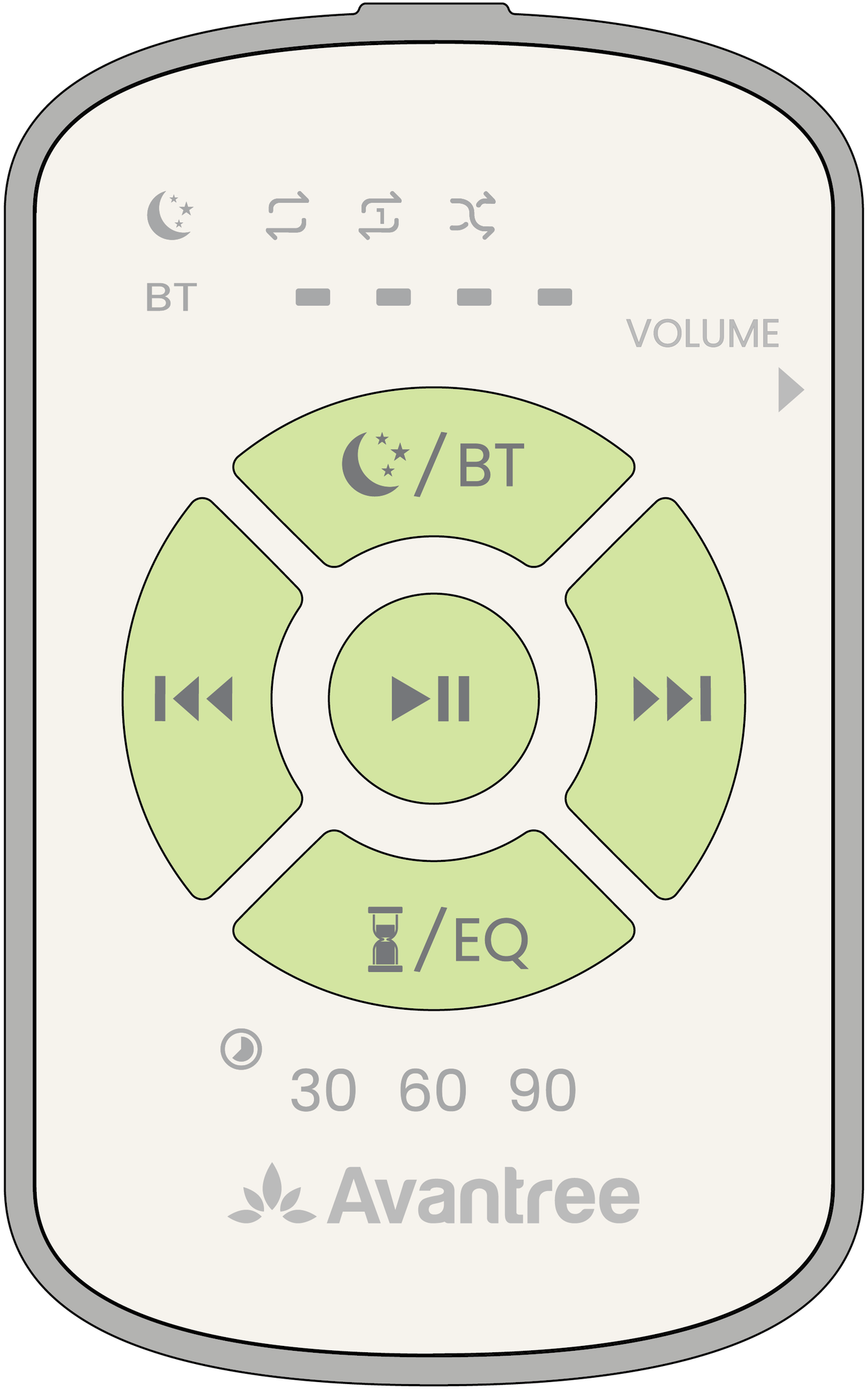 Version B
Combined White Noise / BT button 
|
In built-in White Noise (MP3) mode, holding the BT or
button for 3 seconds will not start Bluetooth pairing. First, press the
button once and release it to switch to Bluetooth mode. Then press and
hold it for 3 seconds.
Step 1 — Turn On the Remote
Make sure the remote is charged, then slide its power switch to ON.
Step 2 — Switch to Bluetooth Mode
If you are in built-in White Noise (MP3) mode, use the button that matches your remote:
- Version A — Separate BT button: Press BT once and release it.
-
Version B — Combined button:
Press the
button once and release it.
This switches the remote to Bluetooth mode. If it is already in Bluetooth mode, go to Step 3.
Step 3 — Enter Bluetooth Pairing Mode
In Bluetooth mode, press and hold
BT
(Version A) or
(Version B) for 3 seconds. The
BT light flashes red and blue. Slumber 2 is now
ready to pair.
Step 4 — Connect on Your Phone
Open your phone’s Bluetooth settings, turn on Bluetooth, and select Avantree Slumber 2. When connected, the BT light turns solid blue, then turns off.
Connected but still no sound? Follow the Connected but No Sound guide.
Still Unable to Pair?
Contact Avantree Support. Tell us whether the BT light never flashes red and blue, or flashes red and blue but your phone still cannot find or connect to Slumber 2.
Please include your phone model and a photo or short video showing your remote’s buttons, the steps you tried, and the BT light.
Comments
0 comments
Related articles
Please sign in to leave a comment.