Select a control below. The actual product image will zoom into its location and show you what it does.
Find the Controls on Your Audikast 4HA
Select a control to zoom in and see what it does.
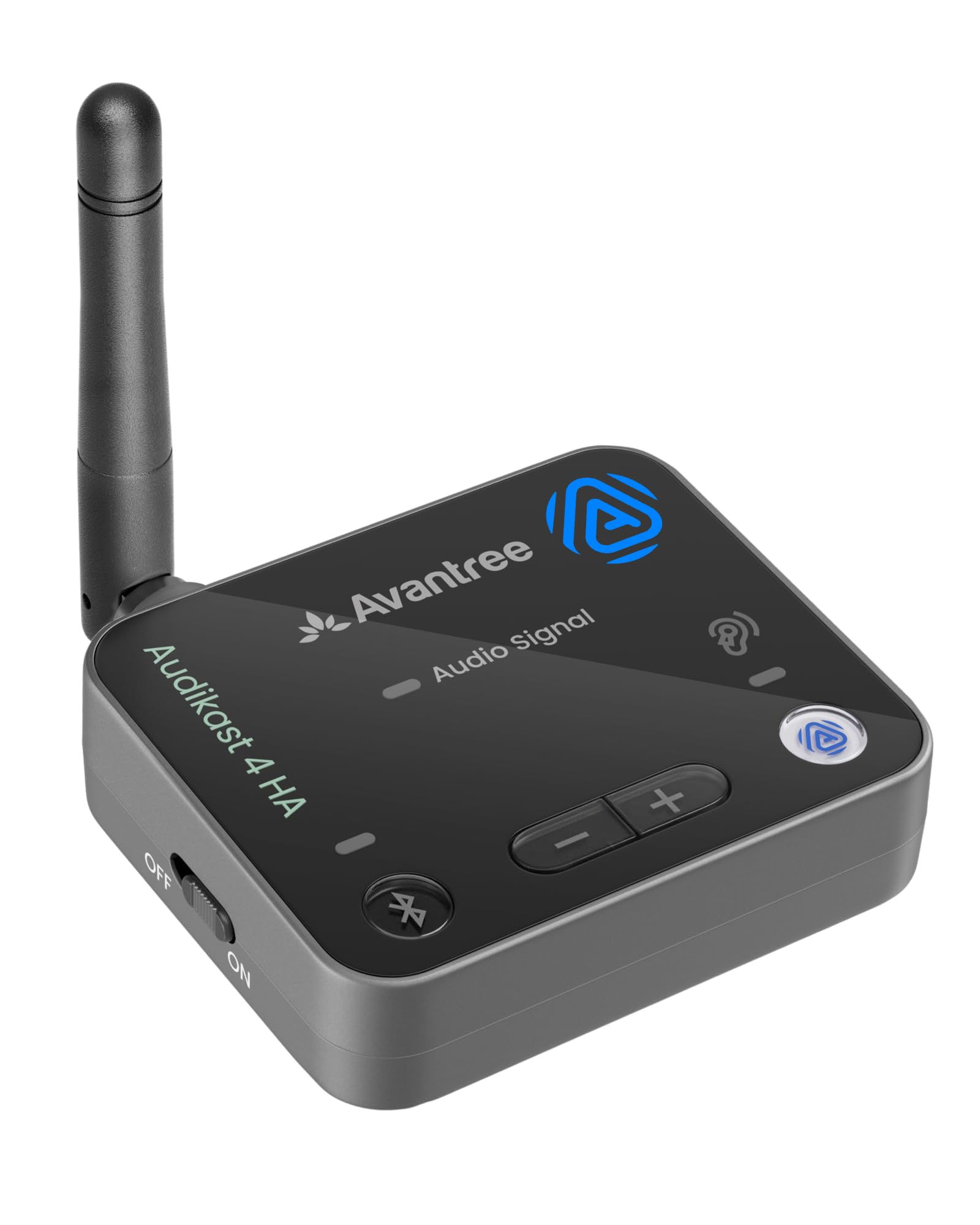
What do you want to check?
Select a button or indicator below. The photo will zoom in and the instructions will appear underneath.
Your explanation will appear here
Choose a control above to see what it does and what its light means.
Which Mode Should I Use?
Choose based on what you want to listen with.
Auracast Hearing Aid Mode
Use this mode when broadcasting to compatible Auracast hearing aids.
Hold the Auracast button for 3 seconds to switch modes. A solid white Auracast Mode Light indicates hearing aid mode.Auracast Standard or Bluetooth Mode
Use standard Auracast mode with compatible Auracast headphones or speakers, or Bluetooth mode with Bluetooth listening devices.
Solid orange indicates Auracast standard mode. Short press the Bluetooth button to switch to Bluetooth mode.Something Doesn't Look Right?
Choose the issue that matches what you're seeing.
Audio Signal Flashing White?
The TV may be sending an unsupported audio format. If you're using Optical, set the TV's Digital Audio Output Format to PCM or Stereo.
Fix No Sound →Hearing Aids Won't Connect?
Check the transmitter mode and follow the Auracast connection steps for your hearing aids.
Hearing Aid Connection Help →
Comments
0 comments
Related articles
Please sign in to leave a comment.