No Sound?
No sound usually means the transmitter is not receiving audio, the headphones are not connected, or the wrong TV audio setting, input, or transmitter mode is selected.
Follow the checks below in order to find where the sound is being interrupted.
START HERE
No Sound? Start With These 3 Checks
Follow Steps 1 → 2 → 3 in order. If everything looks correct but you still have no sound, continue to the additional checks below.
Confirm the transmitter is receiving sound from the TV.
Confirm the headphones are connected to the transmitter.
Confirm the cable input and transmitter mode are correct.
Is the Transmitter Receiving Sound From the TV?
Turn on your TV and play a program or video that has sound. Then look at the transmitter's audio signal indicator.
What is the signal light doing?
Solid Light
The transmitter is detecting audio from the TV.
Continue to Step 2.
Flashing Light
The transmitter is not receiving audio from the TV.
Check the TV audio output and cable connection before continuing.
Signal Light Flashing?
First, make sure the audio cable is securely connected to both the TV and the Avantree transmitter.
If you are using a digital audio connection, make sure the TV's digital audio output is set to PCM.
TV Settings → Sound / Audio → Digital Audio Output → PCM
Signal Light Is Solid?
Good — the transmitter is receiving audio. Continue to Step 2.
Are the Headphones Connected?
Check the headphone Bluetooth connection indicator on the transmitter.
What is the Bluetooth indicator doing?
Solid Blue
The headphones are connected to the transmitter.
Continue to Step 3.
Flashing Blue
The headphones are not currently connected.
Pair the headphones with the transmitter before continuing.
Indicator Flashing Blue?
Put both the headphones and the Avantree transmitter into Bluetooth pairing mode.
View Headphone Pairing Guide →Indicator Is Solid Blue?
Good — the headphones are connected. Continue to Step 3.
Check Your TV Connection and Transmitter Mode
First identify the cable connecting your TV to the transmitter. Then confirm the transmitter is set to the matching input.
3A — Which Cable Are You Using?
Open the option that matches the cable connected between your TV and the transmitter.
Optical — Digital Optical Audio Cable
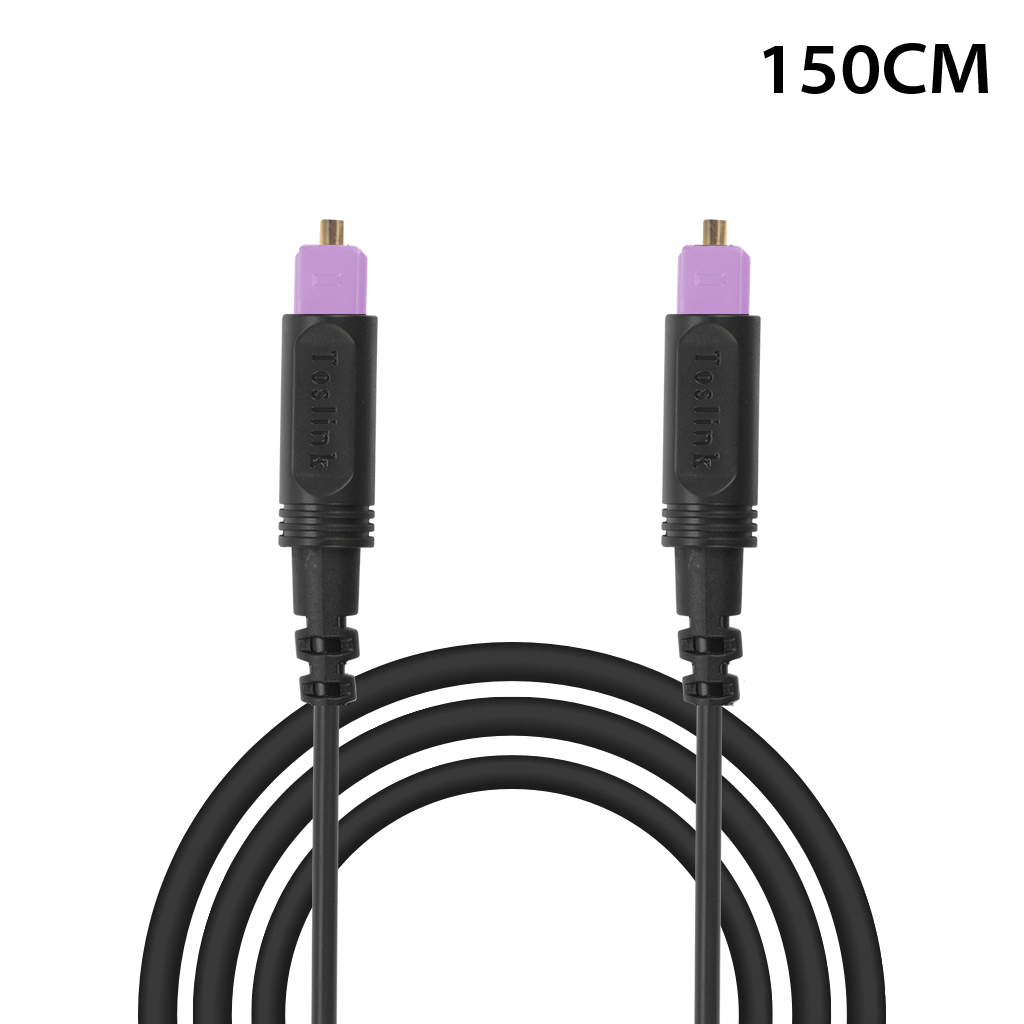
On the Transmitter
Set the input to OPTICAL.
AUX / 3.5mm — Headphone-Style Audio Cable
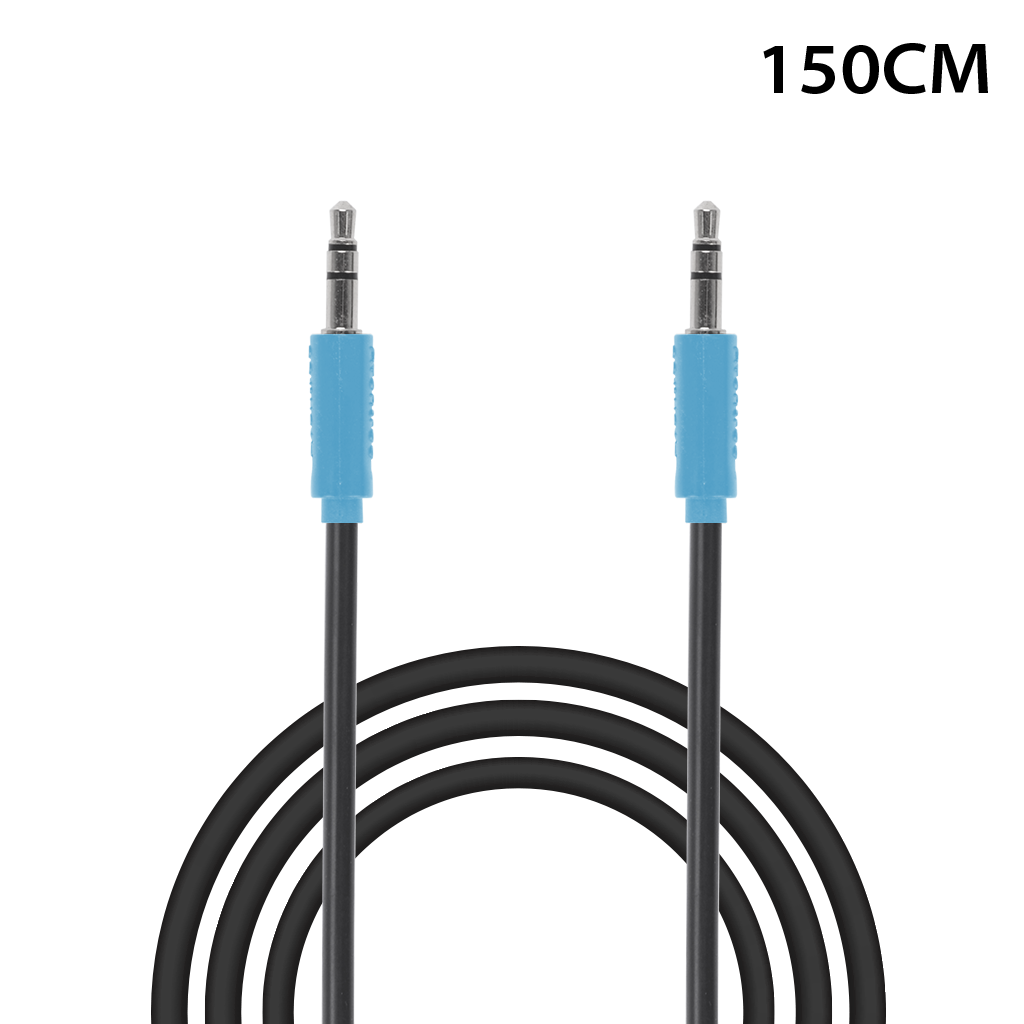
On the Transmitter
Set the input to AUX.
HDMI ARC — HDMI Cable Connected to ARC / eARC
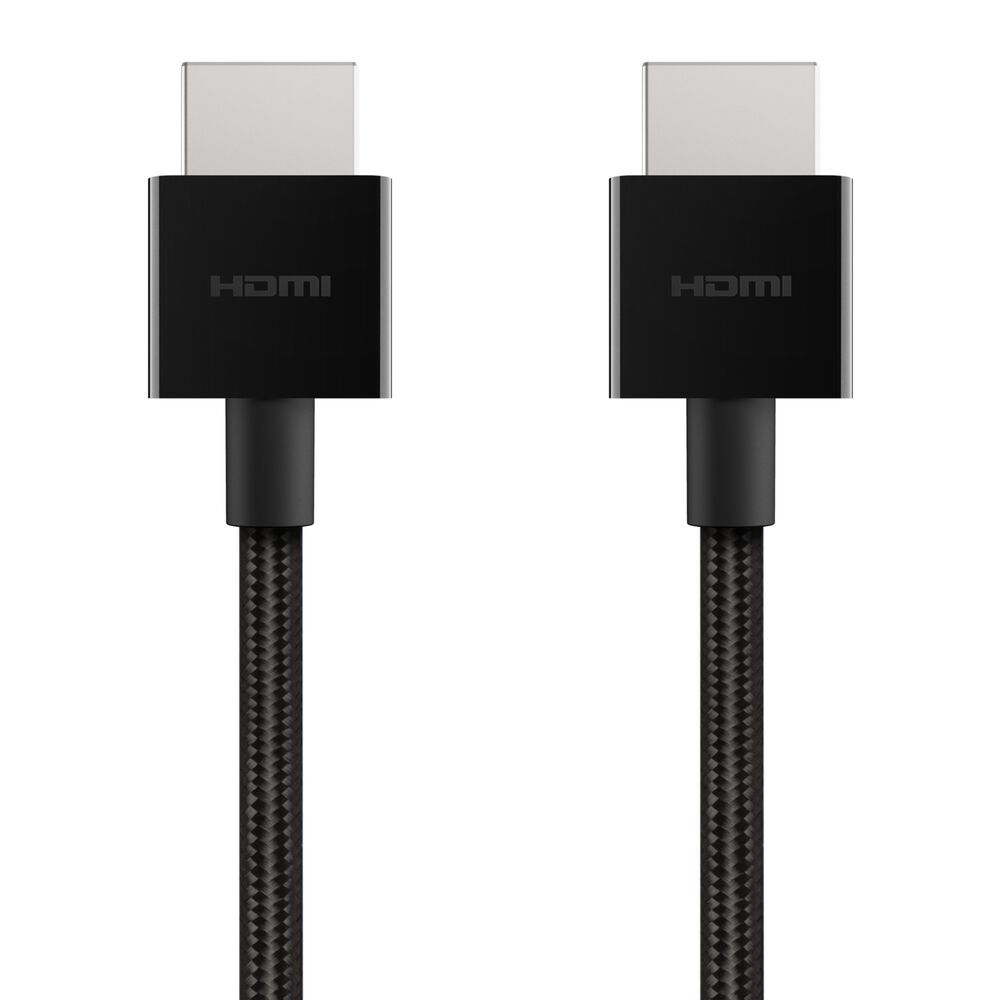
On the Transmitter
Set the input to HDMI ARC.
Important
The transmitter input must match the cable connected to your TV.
- Optical cable: select OPTICAL.
- AUX cable: select AUX.
- HDMI ARC cable: select HDMI ARC.
3B — Check the Transmitter Mode
Open your Avantree model below to see which mode to use.
Opera Plus / Crescendo 3D / Crescendo Me
Set the Transmitter To:
TV / Base Mode
Harmony 2
Set the Transmitter To:
Broadcasting Mode
Cable and Mode Both Correct?
If the cable input and transmitter mode are correct but you still have no sound, continue below.
Still No Sound?
If Steps 1–3 all look correct, open the check that matches your situation.
No Sound Only on Netflix, Prime Video, or Another Streaming App?
If regular TV sound works but a specific streaming app does not, the app or streaming device may be sending an unsupported audio format.
Check the Streaming Audio Format
Set the streaming audio format to PCM or Stereo.
Streaming Audio Format → PCM / Stereo
If you use a separate streaming device such as Roku, Fire TV, or Apple TV, check that device's audio settings too.
Netflix / Prime Video Guide → Streaming Device Guide →Unplug and Reconnect the Audio Cable
Unplug the audio cable from both the TV and the transmitter.
Plug it back in securely at both ends, then test the sound again.
Why Try This?
Reconnecting the cable can reset the audio signal and resolve a loose or unstable connection.
Most Common Issues
Use this quick reference to double-check the most common causes of no sound.
TV Audio Is Not Set to PCM
Fix: Set the TV's digital audio output to PCM.
Headphones Are Not Connected
Fix: If the Bluetooth connection indicator is flashing blue, pair the headphones with the transmitter.
Wrong Input Selected
Check: The transmitter input must match the Optical, AUX, or HDMI ARC connection.
Transmitter Is in the Wrong Mode
Opera Plus / Crescendo 3D / Crescendo Me: TV / Base Mode.
Harmony 2: Broadcasting Mode.
Only Streaming Apps Have No Sound
Fix: Set the app or streaming device audio to PCM / Stereo.
Important Tip
If your system worked before but suddenly has no sound, check the TV audio settings again.
TV software updates can sometimes change audio settings. Make sure PCM is still selected.
Still Need Help?
If there is still no sound after completing the checks above, contact Avantree Support and provide:
- The LED color and whether it is solid or flashing
- Your TV brand and model
- Your Avantree product model
- How everything is connected: Optical, AUX, or HDMI ARC
- What happened after completing Steps 1–3
Comments
0 comments
Related articles
Please sign in to leave a comment.